

 Vietnamese
 Japanese
 English
Converting Microsoft Access to Web Applications: One-Second Automation Solution
Fujigo Software Solutions
Member of M&C Holdings (Japan)
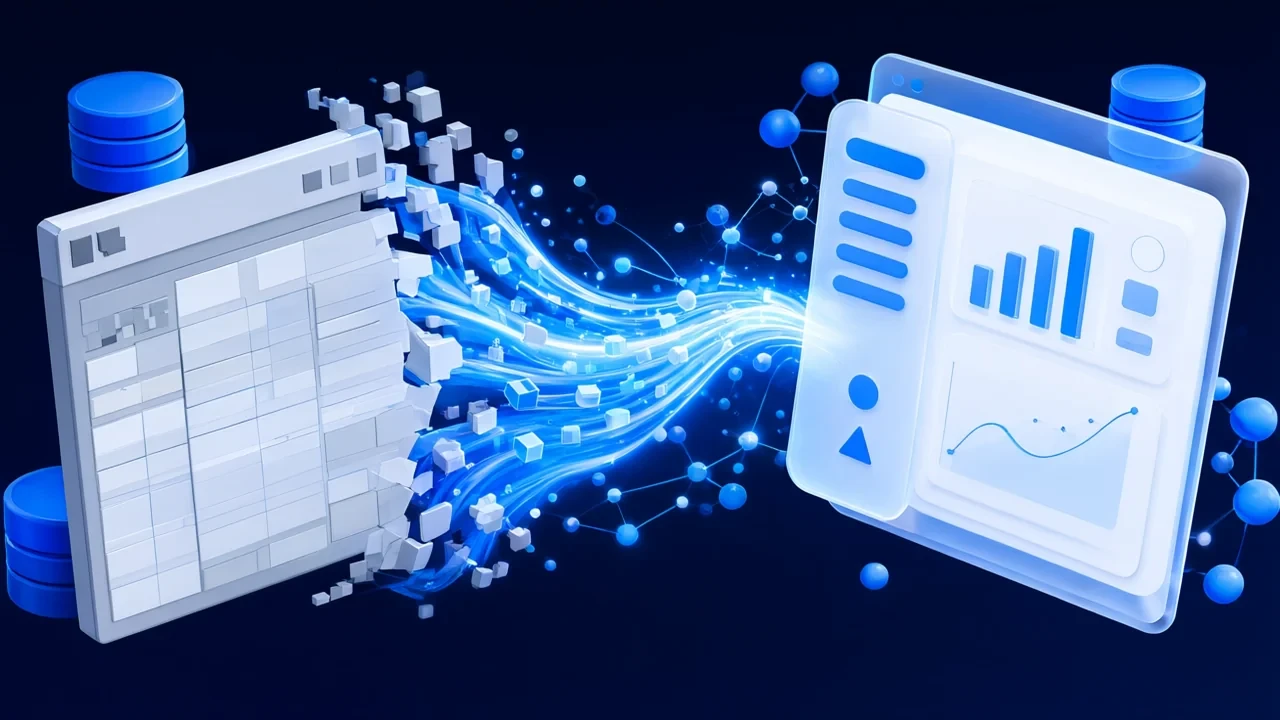
Why Do Businesses Need to Migrate from Microsoft Access
Microsoft Access has accompanied millions of businesses for more than 30 years. With its ability to quickly create forms, manage data easily, and integrate seamlessly with Microsoft Office, Access has become a popular choice for internal business applications such as:
- Order management systems
- Project progress tracking
- Customer information management
- Inventory and stock control
- Internal reporting and statistics
However, after many years of operation, Access-based systems reveal serious limitations that force businesses to seek alternative solutions.
The 7 Biggest Problems of Microsoft Access Systems
| Issue | Details | Consequences |
|---|---|---|
| User limit | Maximum 255 connections, in practice only 10–15 users | Cannot scale |
| Maximum database size | Limited to 2GB | Data growth is blocked |
| No remote access | Requires local installation, no web/mobile access | Remote work impossible |
| Weak security | Files can be copied easily, poor access control | High data leakage risk |
| Desktop dependency | Requires Windows and VBA runtime | High maintenance cost |
| Multi-user conflicts | File locking and data conflicts | Reduced productivity |
| Poor integration | No standard APIs | Cannot connect with other systems |
Why Must Businesses Migrate Now?
First, Microsoft is gradually phasing out Access. There are no major feature updates, only basic maintenance.
Second, remote work has become the norm. Employees need access anytime, anywhere, on any device.
Third, knowledge loss risk is increasing. Developers who wrote and maintained VBA code are retiring, with few successors.
Fourth, security and compliance requirements are becoming stricter, demanding stronger access control.
Existing Solutions for Migrating Access to Web
When deciding to migrate from Access, businesses typically face three options:
Solution 1: Packaged Software (Salesforce, Dynamics, etc.)
This is often the first option businesses consider, expecting a “plug-and-play” solution.
Reality check:
A customer shared their failure story: after 8 months implementing Salesforce to replace their Access-based order system, they had to revert back to Access due to:
- Business processes not matching Salesforce’s standard workflows
- Customization costs far exceeding the original budget
- Employees resisting adoption due to unfamiliar interfaces
Core problem: Packaged software forces businesses to change their processes to fit the software, instead of adapting the software to the business.
Solution 2: Rebuild from Scratch
The traditional approach: Business analysis → Design → Development → Testing → Deployment
Advantages: Full control, complete modernization.
Disadvantages:
- 6–18 months development time
- High cost due to rebuilding everything
- Scope creep risk
- Difficult knowledge transfer
Solution 3: Automated Migration Tools
Some tools promise “automatic migration,” such as SQL Server Migration Assistant (SSMA).
Limitations: These tools only migrate database schema and data. Forms, reports, and VBA logic still require manual rewriting.
Introducing AccessToWebMigrator: Automated Access-to-Web Migration Tool
Philosophy: “Already Done” Instead of “Can Be Done”
Unlike vendors who merely promise “we can migrate your Access system,” we show you the result immediately: A working web application generated from your Access file in less than one second.
What Is AccessToWebMigrator?
AccessToWebMigrator is an automated tool that converts Microsoft Access databases (.mdb/.accdb) into fully functional web applications using modern technologies:
- Frontend: Angular 18 with Material Design
- Backend: ASP.NET Core 8
- Database: SQL Server
Simple 3-Step Workflow
Step 1: Export database metadata (≈ 1 minute) Run a VBA macro inside the Access file to extract tables, relationships, queries, and components.
Step 2: Run code generation tool (< 1 second)
Double-click run.bat. The tool reads the exported data and generates the complete web application source code.
Step 3: Get a complete web application (instantly) The result is a ready-to-run project with over 145 files.
What Gets Generated
| Component | Technology | Description |
|---|---|---|
| API Layer | ASP.NET Core 8 | RESTful CRUD endpoints |
| User Interface | Angular 18 + Material | Data tables, input forms, navigation |
| Database | SQL Server | Table scripts, relationships, seed data |
| Documentation | Markdown | Installation and API usage guides |
Comparison with Other Solutions
| Criteria | Packaged Software | Rebuild from Scratch | Other Migration Tools | AccessToWebMigrator |
|---|---|---|---|---|
| Time | 6–12 months | 6–18 months | 3–6 months | Seconds |
| License cost | High, recurring | None | Tool-dependent | None |
| Preserve workflow | No | Depends | Partial | Fully preserved |
| Familiar UI | No | Depends | No | Familiar patterns |
| VBA logic migration | No | Manual | No | Documented & traceable |
| Risk level | High | Medium | High | Low (POC first) |
Competitive Advantages of AccessToWebMigrator
| Problems with Other Solutions | How We Solve Them |
|---|---|
| Forced process changes | Generate apps based on your existing structure |
| Annual license fees | You own the entire source code |
| Limited customization | Fully customizable source |
| Vendor lock-in | Standard technologies |
| Long deployment | Working result in seconds |
Real Results from POC Testing
| Metric | Value | Meaning |
|---|---|---|
| Code generation time | < 1 second | Immediate results |
| Files generated | 145+ | Complete application |
| Lines of code | 16,000+ | Production-ready structure |
| Automated tests | 253 (all passed) | Quality assured |
Common Use Cases
- Order Management Systems Before: Local Access file used only in-office. After: Web-based system with real-time dashboards and accounting integration.
- Project Tracking Systems Before: Shared Access file with frequent conflicts. After: Collaborative web app accessible on mobile devices.
- Customer Management Systems Before: Manual Excel exports for reporting. After: Advanced search, filtering, and automated reports.
- Inventory Management Before: Manual synchronization with accounting software. After: Real-time inventory with ERP integration via API.
Summary
AccessToWebMigrator helps businesses:
✅ Accelerate modernization ✅ Reduce risk with POC-first approach ✅ Preserve business logic and data structure ✅ Modernize legacy systems ✅ Own the full source code
AccessToWebMigrator – Transform legacy Access systems into modern web applications